

Muzli

framer vs
webflow

Side-by-side comparison to help you choose the right design asset platform.

framer
119 items
webflow
120 items

TL;DR

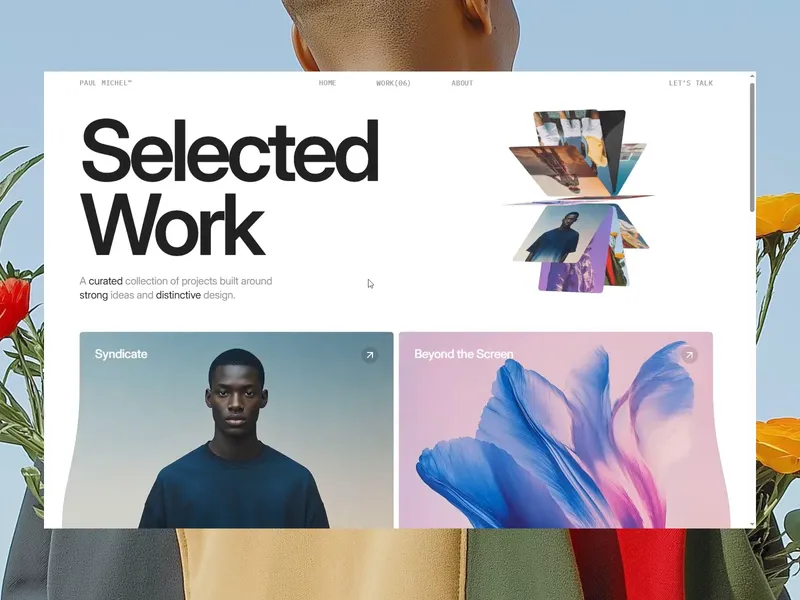
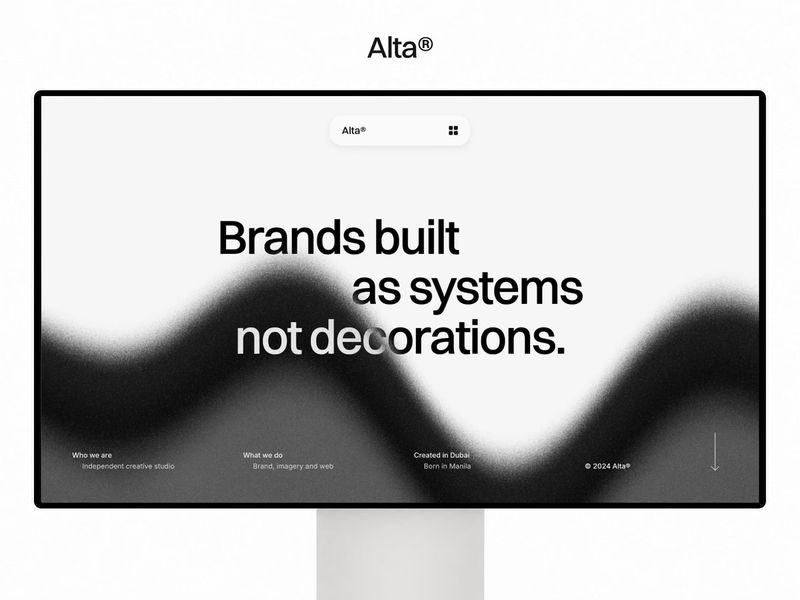
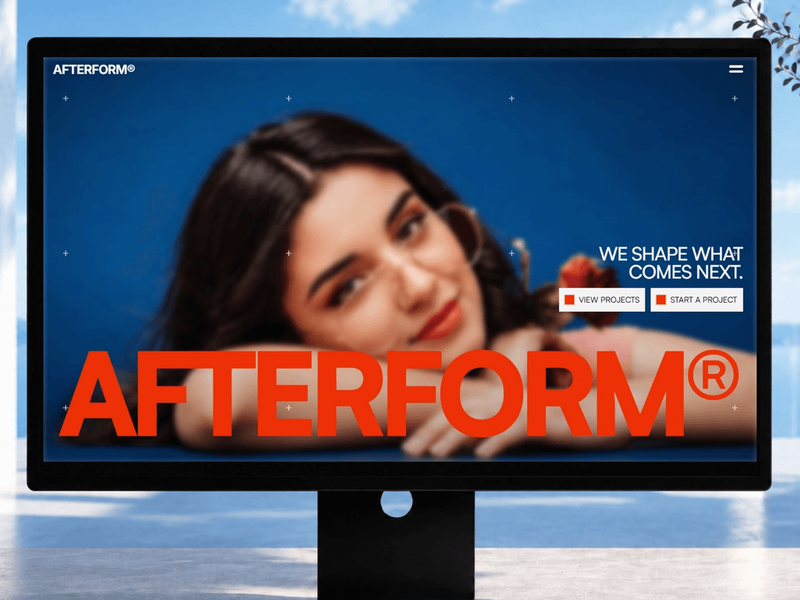
The Framer catalog tilts heavily toward visually immersive, motion-rich websites that make a strong impression—ideal for designers, artists, and startups wanting to stand out. The Webflow catalog offers more structured, content-friendly templates suited for businesses that need robust CMS capabilities and SEO out of the box. While Framer excels at interaction and aesthetics (e.g., Velory, Lumières), Webflow templates like Bestra and Vacuum provide a more traditional but highly functional design approach. The choice ultimately depends on whether the priority is narrative flair or operational efficiency.

Catalog Composition

framer

The Framer catalog presents a curated selection of 20 design assets primarily targeted at creative professionals and agencies. Templates like Portfolie, Aurum, and Velory emphasize portfolio showcases and brand storytelling. Many names suggest minimalist luxury (e.g., Mōno X, Alef) or creative agency work (Dispatch, Motive). The catalog leans heavily on visual impact and motion design, leveraging Framer’s interactive capabilities. Notably, there are 58 free and 61 paid templates overall (average price $88), though this sample shows a mix of indie creators and studios.

webflow

The Webflow catalog consists of 20 assets that appear more business-oriented and structured. Templates like Zenvix, Revorao, and Calmlyss suggest SaaS, corporate, or wellness brands. Names like PrimeFolio and The Praxis indicate portfolio and consulting use cases. The catalog includes multiple templates from studios like Radiant Templates and Flowmance, hinting at professional-grade production. Interestingly, the provided stats show 0 free and 0 paid templates (average $0), which may indicate a different pricing model or an incomplete data snapshot.

Best For

framer

webflow

Quality Signals

Both catalogs feature templates from established creators and studios, but Framer’s list includes more individual designers (e.g., Umar Mirza, Yuvraj Singh), while Webflow’s list is dominated by design studios (e.g., Webestica, Ink Studio). Framer’s average price of $88 suggests higher investment per template, reflecting premium interactive features and animation. Webflow’s $0 average in this sample could indicate a free collection, but typical Webflow templates range from $29–$129. The presence of multiple templates from the same vendor (e.g., Radiant Templates appears 3 times) suggests consistent quality but less diversity in authorship compared to Framer’s varied creators.

Design Styles

Framer templates mostly embrace modern, minimalist, and dark-mode aesthetics with heavy use of micro-interactions, scroll animations, and bold typography. Examples like Fugazi and Meno lean into experimental layouts, while Spenny and Healcure adapt to fintech and healthcare with clean, conversion-focused designs. Webflow templates generally favor structured, content-heavy layouts with balanced whitespace and grid systems. Verdex, Nevire, and Avorica show corporate, nature-inspired, and service-oriented styles with softer color palettes. Overall, Framer excels in visual storytelling, while Webflow emphasizes usability and CMS-driven content.

Use Cases Recommendations

01.

For creative agencies and freelance designers seeking a powerful first impression, explore Framer templates like Dispatch or MATTTER® for their advanced animation and scroll-triggered interactions.

02.

For businesses that require a CMS-driven site with clean layouts and fast loading, consider Webflow options like Tanigro or Strevora, which balance aesthetics with editorial flexibility.

03.

If budget is a primary concern, the Framer catalog offers a significant number of free templates (58) with premium features, whereas the Webflow sample shows no free options—so validate total cost before committing to either platform.

Top Products - Head to Head